Flower Nose AI: CapCut vs AI, other tools and prompts
Updated:
Short answer
A CapCut effect for the trend works on your own footage inside the app. MimicZip generates a new 8-second selfie close-up on the web from one photo of an adult or a pet, with its own AI-made audio and bonus previews in every pack.
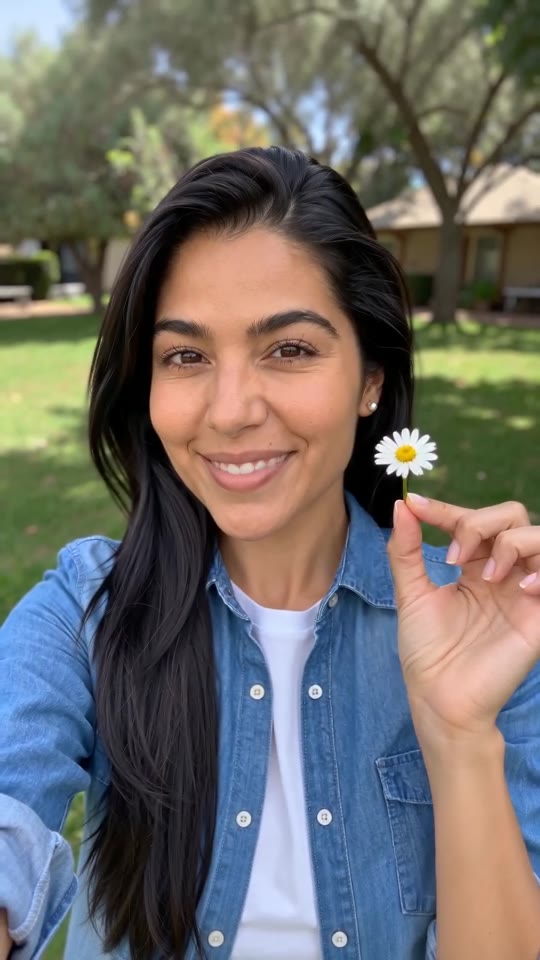
One photo, two routes
- Where it runs: an effect sits inside the app and needs a video of your own face. MimicZip runs on the web and needs only a photo.
- Your pet: a pet that will not sit still for a selfie video still needs a clear photo; here the nose pinch and the pull are animated for it.
- The beats: the key moments are the pinch at about 2 seconds and the flower coming out at about 5. Ours follows the @darraghomurchu post second by second, so its sound fits from the 2-second mark.
- What comes back: a 8-second 720p clip with no caption and no logo.
- Cost: CapCut has free and paid features, so check its current plans. Here 1 credit is one full video with no watermark, and each pack includes watch-only previews.
Which one to use
An effect suits you if you enjoy filming and editing in the app. MimicZip suits you if you want a finished video from a photo, for yourself or for a pet. You can also generate here and add the song in CapCut.
Flower Nose AI vs general AI video tools: which one should I use?
General AI video tools give full control, but a prompt for a flower coming out of a nostril needs several tries: the stem, the hand and the daisy often vanish or merge. MimicZip does one job: one photo becomes the Flower Nose clip, with a bonus preview and no prompt.
Where a prompt drifts
- What you type: a general tool wants a prompt and settings. MimicZip has no prompt box; you add one photo and choose the flower, the place and the face.
- Tiny objects: a thin stem and a small bloom are easy to write and hard to draw; models often skip the stem or turn the flower into a blob.
- The hand: a hand that pinches, then pulls, then holds up a flower is the part most likely to grow extra fingers. The template fixes the order.
- The face: the whole frame is one face, so a drift in the features shows. Here the photo goes in as the reference for the entire clip.
- Cost: check each general tool’s plans. MimicZip sells one-time packs from $8.99 with bonus previews and no subscription.
When a general tool is better
Use a general tool for your own story or full camera control. Use MimicZip when you want this one gag from your photo, fast.
Questions people ask
Is Flower Nose AI made by CapCut or TikTok?
No. MimicZip is an independent tool, not linked to CapCut, TikTok or the accounts that posted the trend.
Can I use both?
Yes. Download the MP4, open it in CapCut and add your caption or the song.
Which one is cheaper?
It depends on what you have. If you like the app and its effects, one costs little. With only a photo, MimicZip starts at $8.99 and includes bonus previews with every pack.
Does Flower Nose AI use a general AI model?
Yes. A general video model draws the frames through an API, but the framing and the beats are fixed by our template. The Terms of Service say which model.
Can I write my own prompt on this site?
No. The scene is locked and there is no prompt box, which is how the clip stays on trend.
Why not just use a general tool?
You can. Choose a general tool if you want to direct each shot yourself. This site is for people who want the gag finished from one photo, with bonus previews in every pack.
Make your own Flower Nose video
Upload one photo and make a 8-second HD video from $8.99. No subscription, and the full video has no watermark.
Make my video